
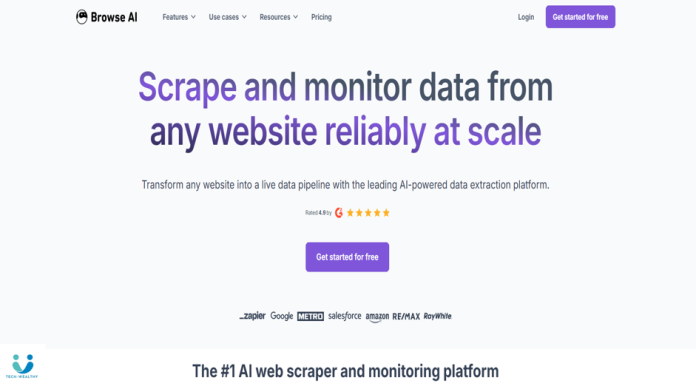
Browse AI is a no-code web scraping and data monitoring tool built for marketers, founders, and analysts who want to extract data from websites without writing code. If you need to track prices, collect leads, or monitor changes on any website, Browse AI is a solid choice.
What Browse AI Actually Does
-
Extracts data from any website without coding
-
Lets you train a robot by clicking on elements
-
Monitors websites for changes and updates
-
Exports data to Google Sheets, CSV, or APIs
-
Supports scheduled scraping & automation
-
Works on complex sites with pagination
What Makes It Good
-
Truly no-code and beginner-friendly
-
Fast setup — robots ready in minutes
-
Great for price tracking & market research
-
Integrates easily with spreadsheets & tools
-
Saves time on repetitive data collection
What’s Not So Great
-
Free plan has usage limits
-
Complex websites may need some tweaking
-
Not designed for extremely large-scale scraping
Should You Use It?
Choose Browse AI if you:
-
Want web data without learning to code
-
Track prices, competitors, or listings
-
Automate simple data collection workflows
-
Are a marketer, affiliate, or small business owner
If you need massive enterprise-level scraping, it may be too lightweight.
But for most creators, marketers, and analysts, Browse AI is one of the easiest web scraping tools available today.