
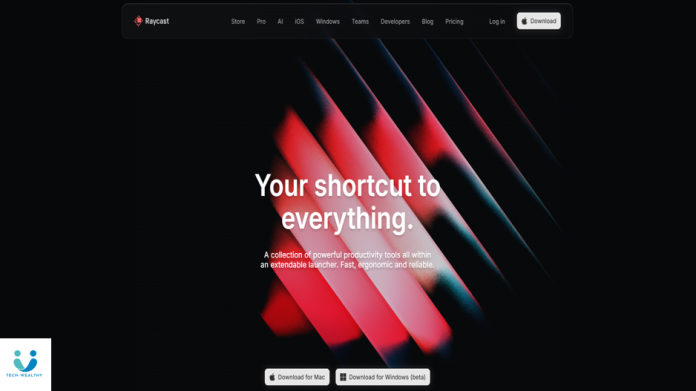
Raycast is a powerful productivity launcher and command bar for Mac designed to help creators, developers, and power users get more done with fewer keystrokes. It centralizes commands, workflows, and tools into one fast interface — saving time and reducing context switching.
What Raycast Actually Does
-
Provides a universal launcher for apps, files, and commands
-
Lets you run scripts and workflows with shortcuts
-
Integrates with popular tools like GitHub, Slack, Calendar, Notion, Todo
-
Offers extensions to customize tasks and automation
-
Supports quick search for apps, docs, and system actions
What Makes It Good
-
Extremely fast and intuitive
-
Saves time for developers and creators
-
Supports deep integrations with everyday tools
-
Customizable with extensions and workflows
-
Clean and minimal Mac-friendly UI
What’s Not So Great
-
Only available on Mac — no Windows/Linux support
-
Learning curve for advanced workflows
-
Some extensions require setup or configuration
Should You Use It?
Choose Raycast if you:
-
Use a Mac and want to speed up your workflow
-
Need quick access to apps, commands, and files
-
Work in development, content creation, or productivity tasks
-
Enjoy automation and keyboard-driven control
If you rarely use a launcher or prefer mouse navigation, it may feel unnecessary.
But for power users and creators who love speed, Raycast is one of the best productivity tools available today.